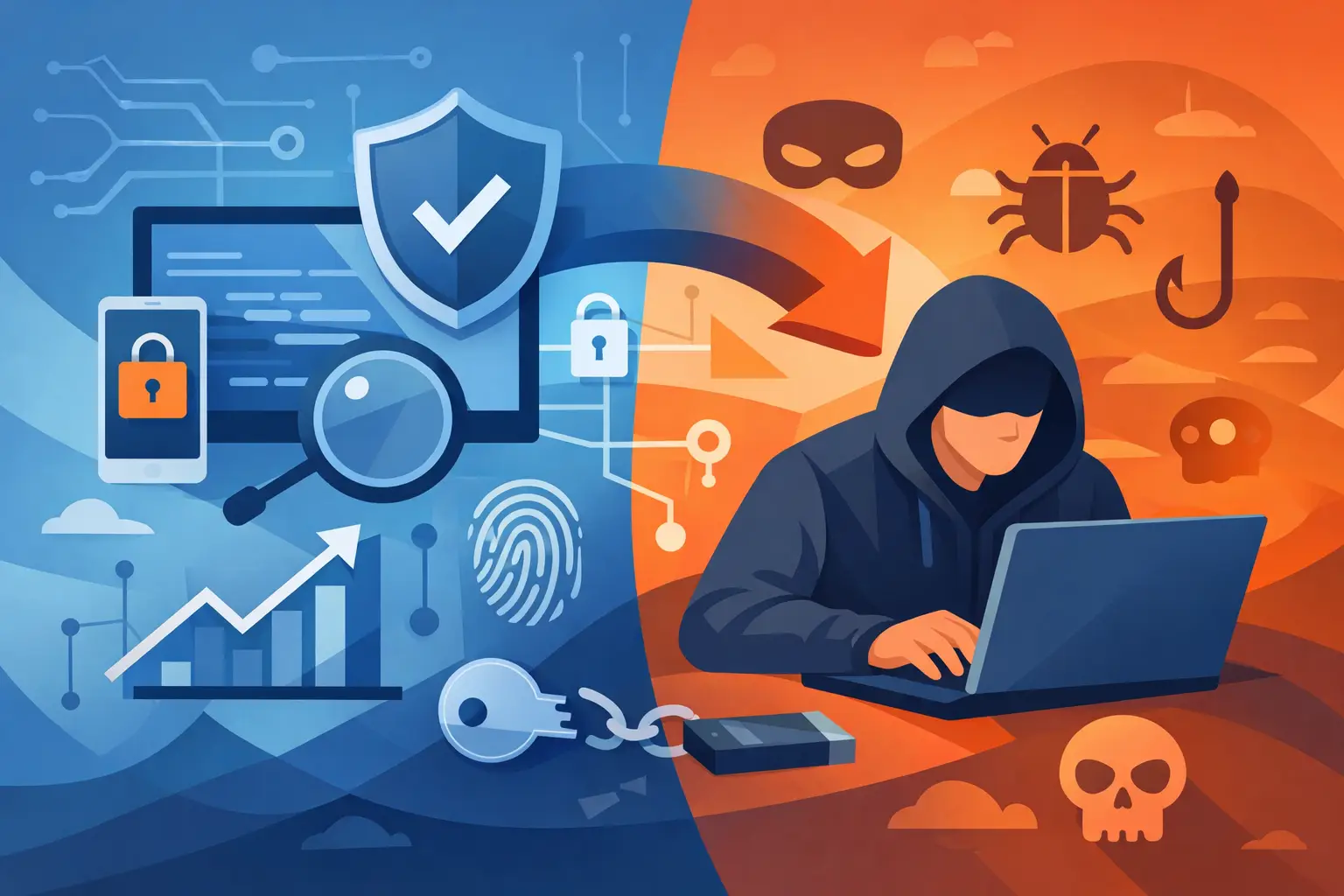
A private label, a polished loader, and a long feature list can make any tool look safe. That is not proof. If you are researching how to choose private cheats, start with the boundary that matters: use trainers and mods only where the game, platform, and server rules allow them. Offline and single-player use are not the same thing as protected multiplayer, ranked modes, or shared economies.
The fastest way to lose a game account is to treat marketing language as a guarantee. No third-party tool can remove the risk of account action, malware, broken saves, or a bad update. Choose carefully. Keep your main account out of the equation. If the game does not clearly permit it, do not use it online.
How to Choose Private Cheats Without Guesswork
The word "private" is often used as a quality signal. Sometimes it means a small, maintained product with controlled access. Sometimes it only means the seller wants to sound exclusive. Judge the tool by evidence, not labels.
A credible provider should state exactly which game version is supported, which operating system it needs, what the tool is designed to do, and what happens when a game update breaks compatibility. Vague promises such as "works forever" or "zero risk" are red flags. Game updates change files, protections, and behavior constantly. Honest sellers acknowledge that maintenance takes time.
For offline use, focus on practical compatibility first. Does the trainer support the current build? Is it intended for the campaign, a local sandbox, or a private mod setup? Does it clearly separate offline functions from any feature that could affect other players? A tool that blurs those lines is not built around account safety.
Verify the Game Rules Before the Tool
Read the rules attached to the game, launcher, and platform you use. Some developers allow single-player mods but prohibit memory editing. Others permit cosmetic modifications while banning any tool that changes progression, currency, or unlocks. Server operators can also enforce their own rules, even in games with broad mod support.
Do not assume that a private lobby is safe. A lobby can still connect to official services, track progression, synchronize inventory, or report suspicious activity. If you want a modded experience, use an officially supported mod framework, a local save, or a server that explicitly permits the tools you plan to run.
This is especially relevant for large online racing and open-world games. A menu that edits money, XP, inventory, or unlocks can affect an online economy even when you believe you are playing alone. Keep experimentation away from connected profiles and modes.
Inspect the Source, Not Just the Sales Page
A clean storefront does not automatically mean clean software. Before downloading anything, look for basic operational transparency. You should be able to find a clear product description, an installation outline, support expectations, refund terms, and update information without being pushed into a rushed purchase.
Avoid sources that demand you disable every security control permanently, run unexplained scripts, or install unrelated browser extensions and launchers. Some security products may flag game modification tools because of how they work, but that does not mean every warning should be ignored. Treat unexpected behavior as a stop sign, not an inconvenience.
Use a separate Windows account or a nonessential test system if you decide to evaluate any third-party game tool. Back up saves first. Keep personal files, payment data, and your main gaming account away from the test environment. This is not paranoia. It is basic damage control.
A provider should also make support easy to reach. If a tool stops working after a patch, you need a clear status update, not silence. Subscription software is only worth paying for when the seller actively maintains compatibility and communicates when a product is unavailable.
Watch for Pressure Tactics
Bad sellers rely on urgency because urgency shuts down judgment. Be cautious when every page says "limited stock," "buy in five minutes," or "no questions asked." Digital access does not need theatrical pressure.
The same applies to exaggerated screenshots, copied reviews, and impossible feature claims. A real product description explains limits. It does not promise permanent access, invulnerability, or risk-free use in environments that prohibit third-party modification.
Choose Features That Match a Legitimate Use Case
More features are not automatically better. For an offline sandbox or campaign replay, a simple trainer with adjustable difficulty, local currency controls, teleport options, or save-management features may be enough. Adding invasive functions you do not need only creates more ways for a tool to conflict with the game or corrupt a save.
Start with the experience you want. Maybe you want to skip a repetitive grind in a single-player campaign. Maybe you want to test vehicle builds locally, replay missions with different loadouts, or create screenshots in a solo environment. Choose the smallest toolset that supports that goal.
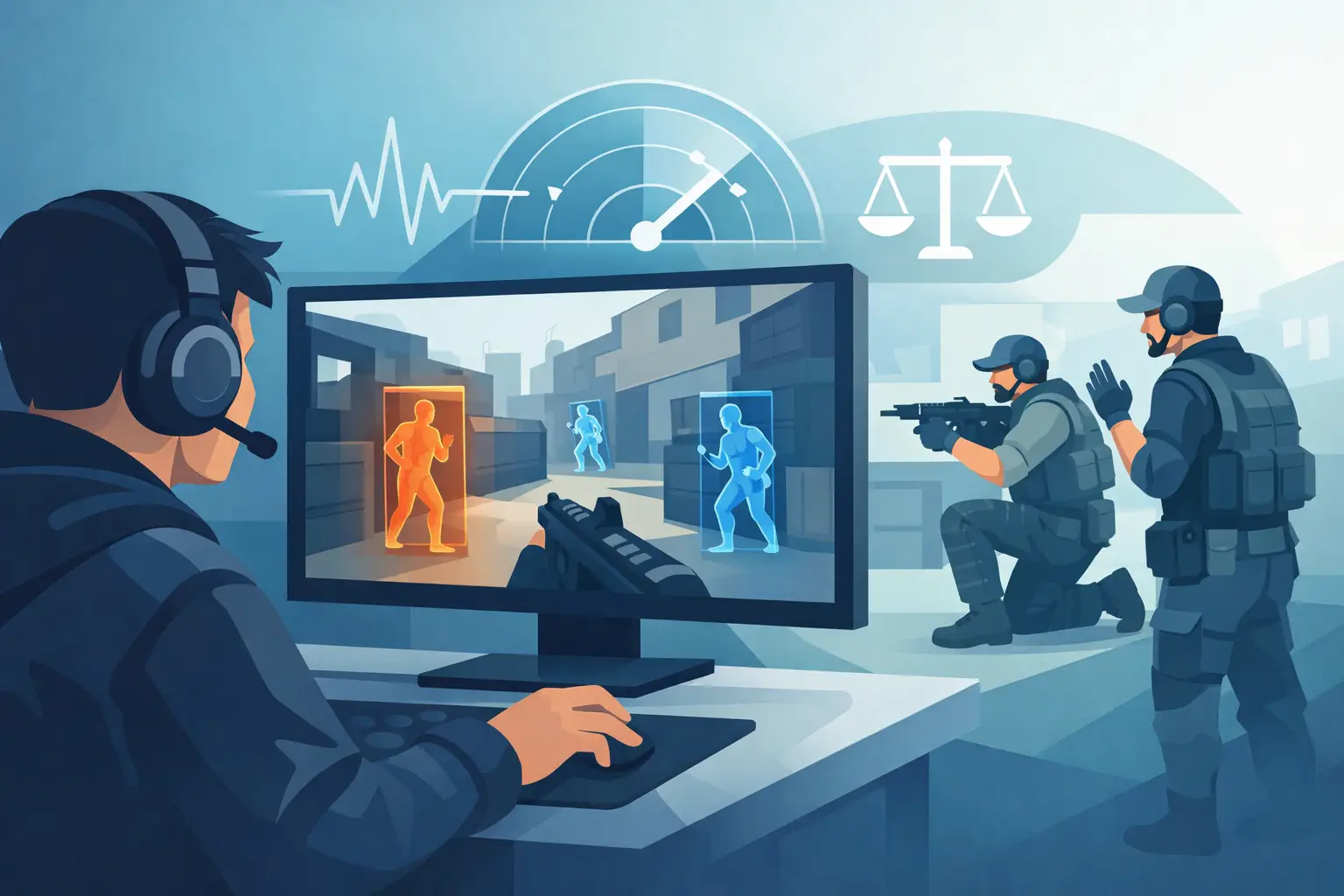
Avoid any product pitched around ruining other players' sessions, bypassing moderation, or gaining an edge in competitive matches. That is not a feature advantage. It is an account and community problem waiting to happen. Competitive play only works when everyone is operating under the same rules.
Compare Support, Updates, and Value
Private software is commonly sold as a recurring subscription because games update. That model can be reasonable, but only if the ongoing cost buys ongoing work. Before paying, determine how updates are handled after a game patch. Does access pause when the tool is down? Is there a public status process? Are supported versions listed clearly?
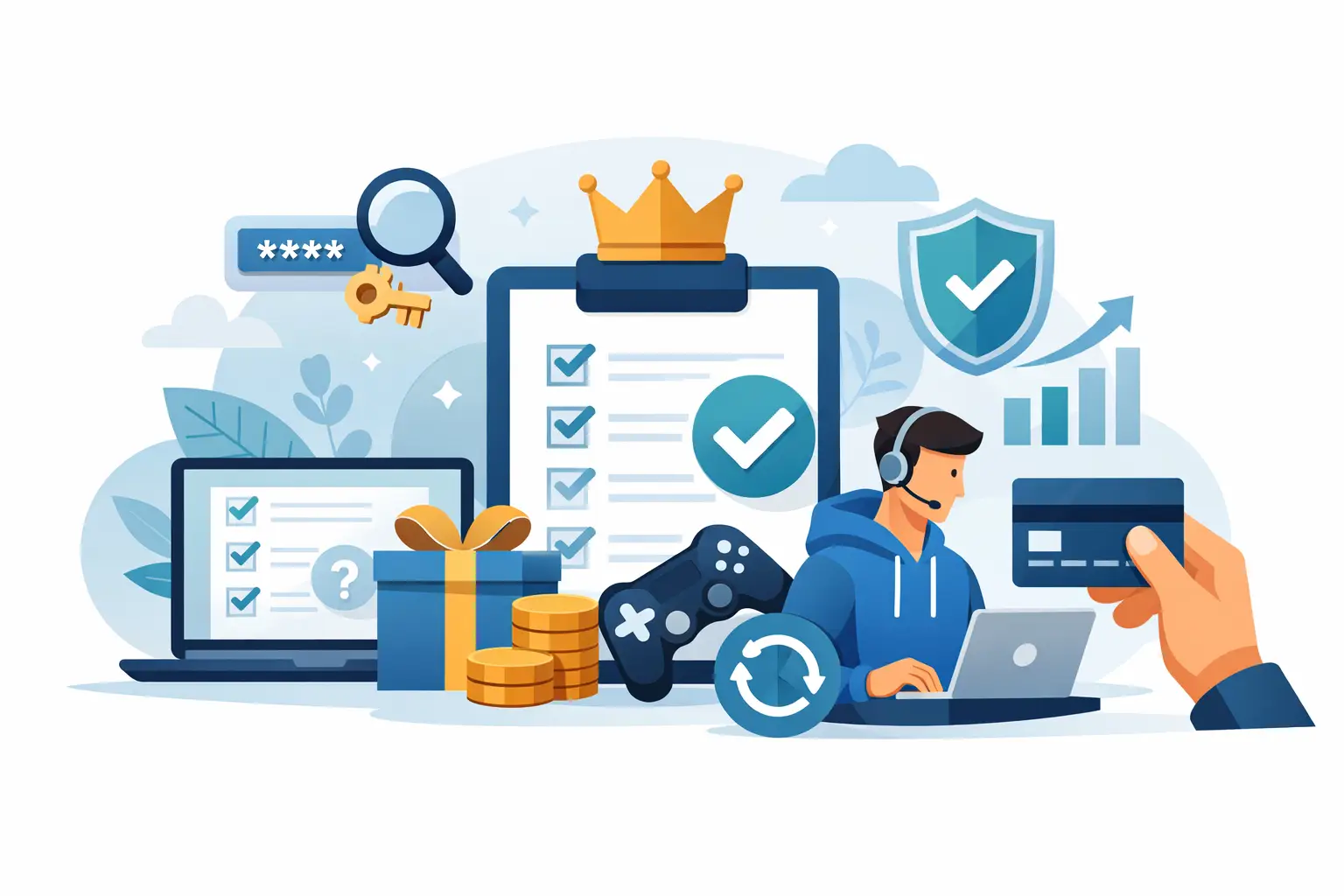
Price alone is a weak filter. A cheap tool that breaks saves or exposes your system is expensive. A high-priced tool with no useful documentation is not premium just because it costs more. Compare the actual value: current compatibility, clear limits, dependable support, and a setup process you can understand.
Do not pay for a menu based solely on a feature list. Features may be removed after an update, limited to a certain mode, or incompatible with your version of the game. Check the details that affect your setup, including Windows version, game launcher, installed mods, controller support, and whether cloud saves are active.
Protect Your Saves and Your Accounts
Back up local saves before changing anything. If cloud synchronization is enabled, understand how it behaves before loading a modified save, because an accidental sync can overwrite clean progress. Keep an untouched backup outside the default save folder.
Use a secondary local profile for testing whenever possible. Do not connect experimental saves to a primary account, shared inventory, ranked profile, or paid content library. If you care about the account, preserve it.
When a tool causes crashes, missing items, broken missions, or strange system behavior, remove it and restore your backup. Do not keep stacking fixes from random files or chat messages. The longer you troubleshoot unknown software inside a live game installation, the harder it becomes to identify what changed.
A Better Standard for Choosing Game Tools
The best choice is not the tool with the loudest claims. It is the one that is transparent about its purpose, compatible with your specific offline setup, easy to remove, and unlikely to put your account or PC at unnecessary risk.
Use official accessibility settings, developer-supported mods, and legitimate community tools whenever they can deliver the experience you want. When they cannot, slow down before installing anything else. A few extra minutes spent checking rules, backing up saves, and separating your main account from test activity can save hundreds of hours of progress.