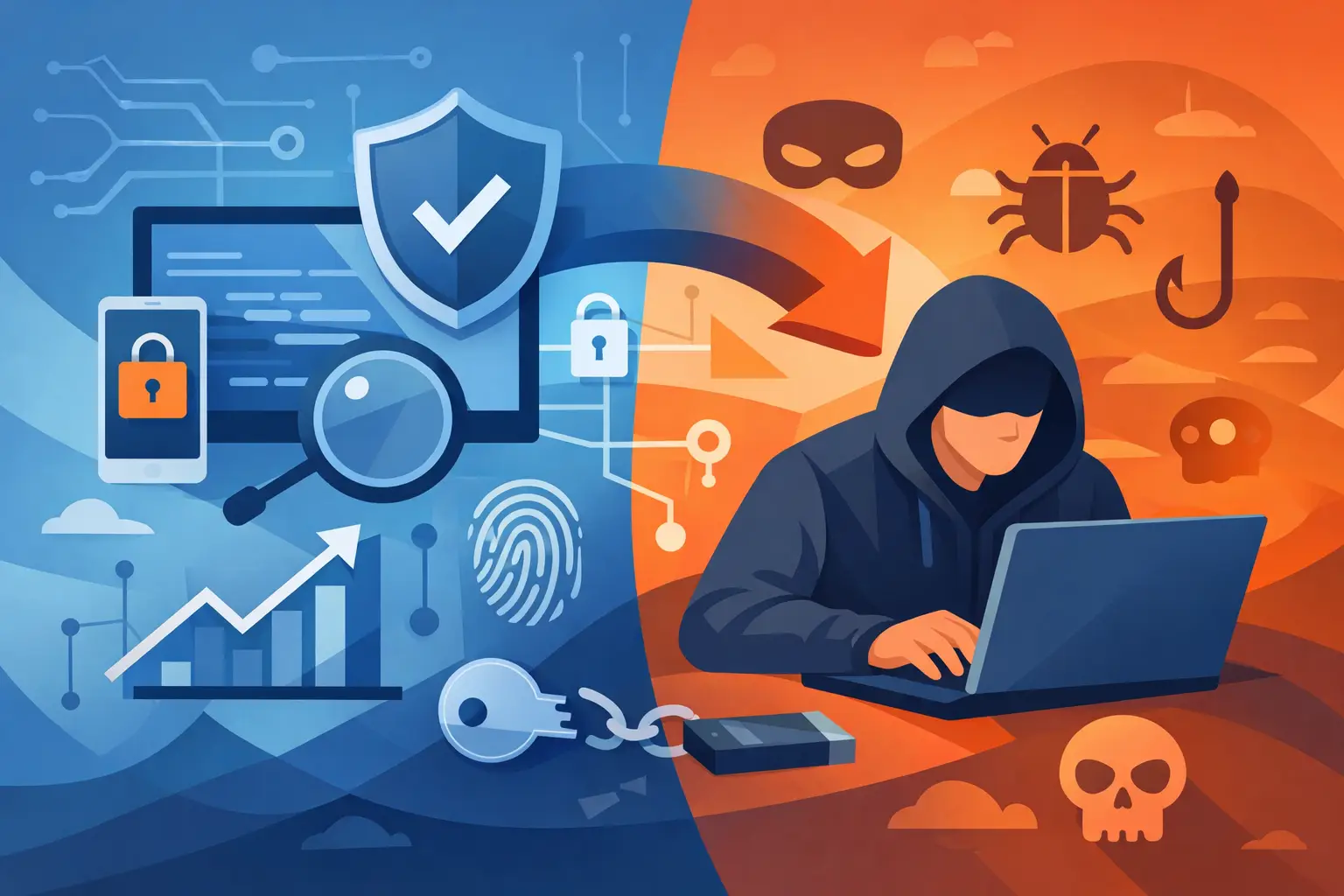
A cheap download that promises “undetected” multiplayer advantages can cost far more than its price tag. Account bans, stolen login sessions, malware, charge disputes, and compromised payment details are common outcomes when buyers chase shortcuts through unverified cheat markets. If you are researching how to buy game cheats, start by separating legitimate, permitted game customization from tools designed to bypass competitive rules or anti-cheat protections.
The right purchase is not always a cheat. For many PC players, an official mod, accessibility tool, save editor, or offline trainer delivers the control they want without putting an account, PC, or other players at risk.
Start With the Game’s Rules
Before spending money, check whether the game is single-player, offline, private-server based, or connected to a protected online ecosystem. That distinction changes everything.
Single-player games may support mods, console commands, custom maps, save editing, or trainer-style features. Even then, the publisher can set limits. A tool that is acceptable in an offline campaign may trigger enforcement if it is launched while the game is connected to online services.
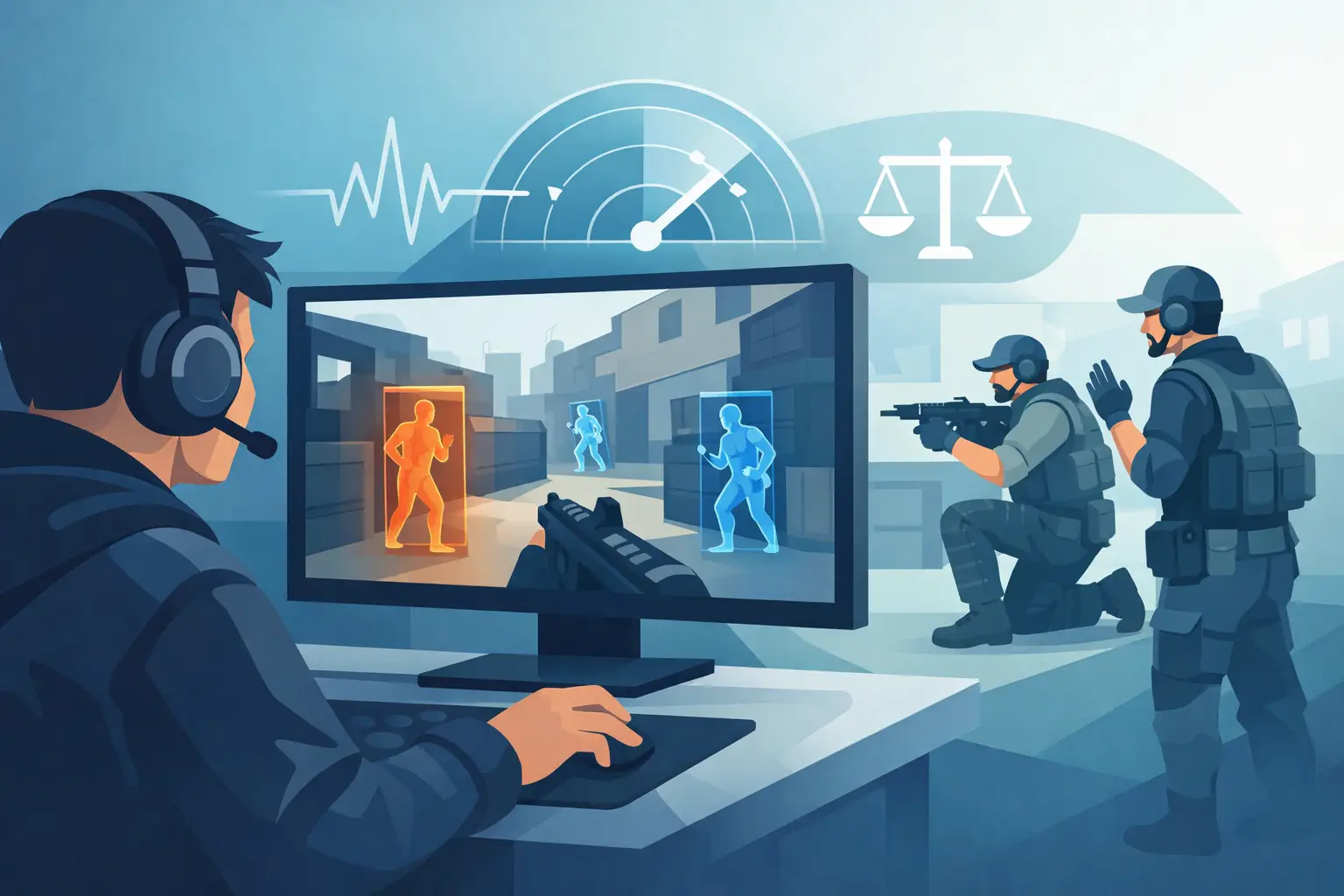
Competitive multiplayer is different. Buying software for ESP, aimbot, wall visibility, automated targeting, item spawning, anti-kick behavior, or anti-cheat evasion violates the rules in most protected games. It also damages matches for everyone else. There is no reliable “safe online use” claim when the game’s terms prohibit the behavior. Detection can happen immediately, after a later scan, or during a delayed enforcement wave.
Read the game’s code of conduct and mod policy before you install anything. Look for language about unauthorized third-party software, modified clients, automation, memory editing, save manipulation, account sharing, and reverse engineering. If the policy is unclear, treat online use as off-limits.
How to Buy Game Cheats for Offline Play Only
For an offline title where modification is allowed, buy with the same caution you would use for any software that runs on your PC. The goal is not to find the loudest feature list. The goal is to find a transparent tool that works as advertised, has a clear support channel, and does not demand unnecessary access to your system.
Start with approved sources whenever possible. Official mod portals, developer-supported workshops, established mod communities, and tools named in a game’s documentation are safer starting points than anonymous storefronts. A credible publisher explains what the software does, which game version it supports, whether it is offline-only, and how to remove it.
Be skeptical of sellers that make absolute claims. “Never detected,” “works on every update,” and “zero ban risk” are marketing lines, not guarantees. Game patches change files, protection systems change behavior, and unknown software can create problems unrelated to bans. A seller that cannot explain compatibility, update timing, and refund terms is not offering confidence. It is selling uncertainty.
A legitimate utility should have a narrow purpose. For a single-player survival game, that might mean adjustable resources, inventory management, or a sandbox mode. For a racing game, it could mean a separate offline save with progression options. The moment a tool is marketed around disrupting public lobbies, bypassing enforcement, or hiding from detection, walk away.
Verify the Seller Before You Pay
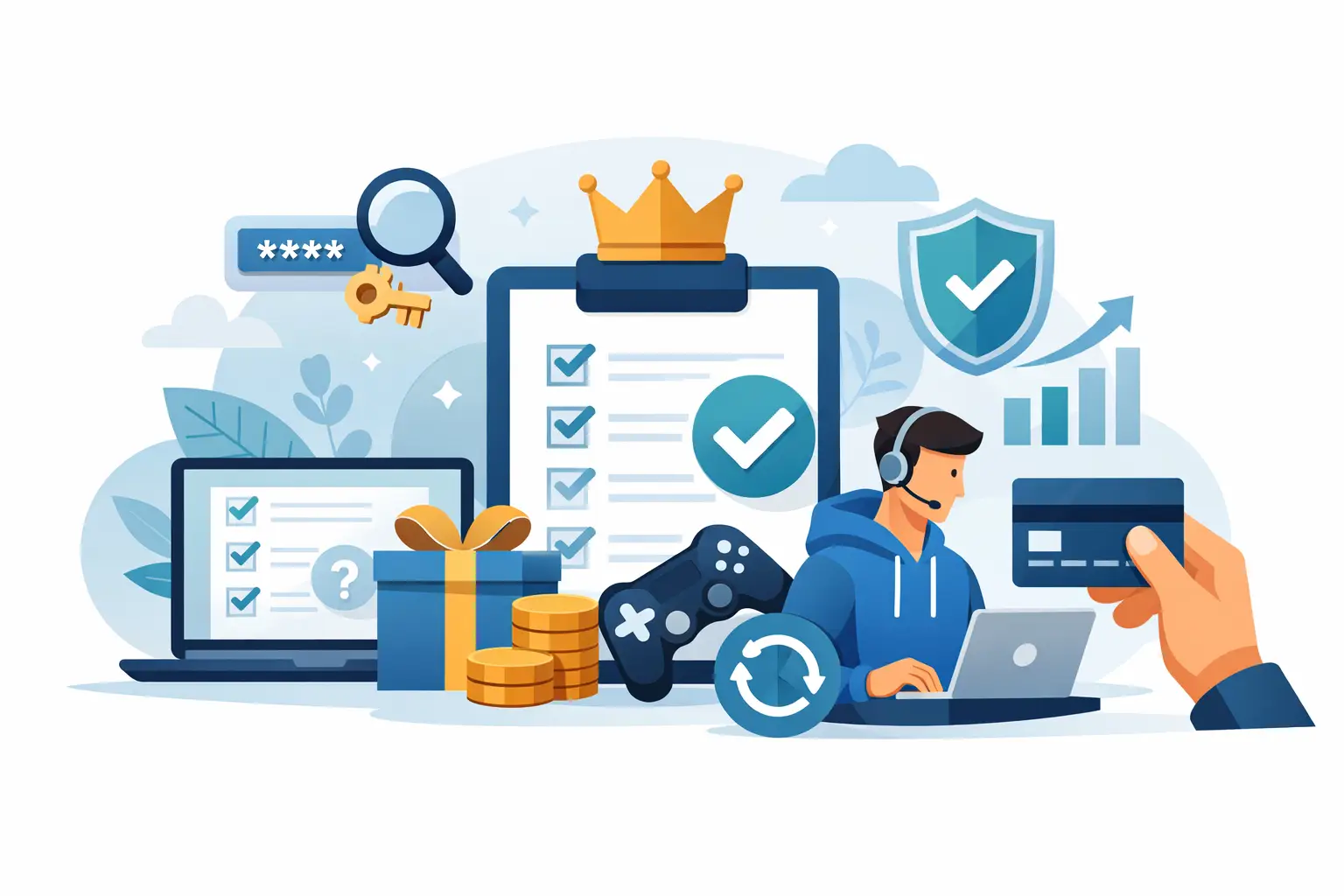
A polished checkout page proves very little. Before entering payment information, look for basic signs that the business is accountable: clear company or operator details, current support documentation, stated refund conditions, a privacy policy, and a record of updates that is specific rather than vague.
Independent discussion can help, but read it critically. Screenshot-only testimonials and referral-heavy reviews are easy to manipulate. More useful feedback describes the game version, installation experience, support response, refund handling, and whether the tool behaved as promised. Watch for repeated reports of revoked keys, surprise recurring charges, password requests, or installers that security tools flag without any explanation from the developer.
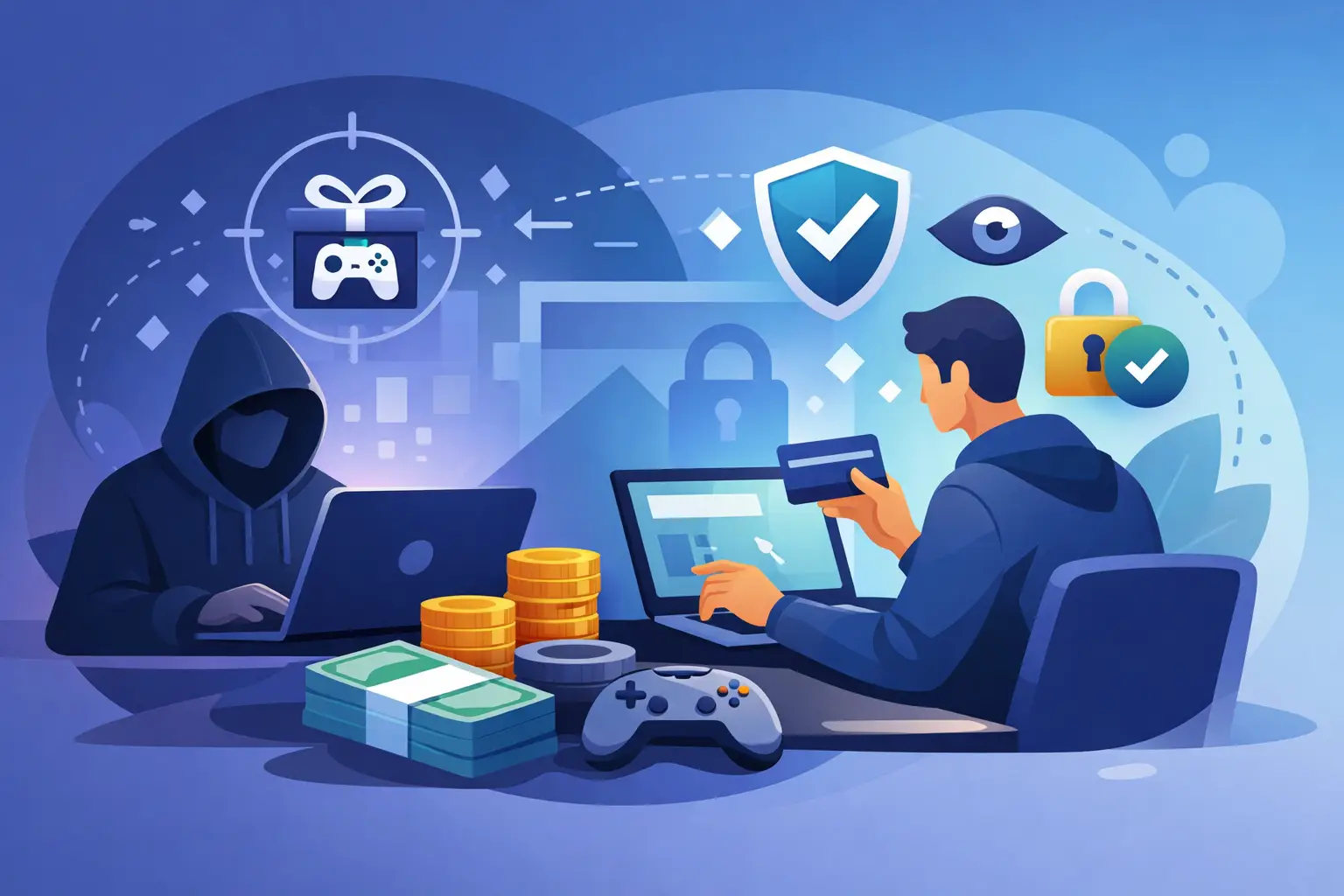
Use a payment method with buyer protections. Avoid vendors that insist on irreversible payments, gift cards, cryptocurrency-only checkout, or direct person-to-person transfers. Those payment methods make it harder to recover money if the product is fraudulent, discontinued, or materially different from what was advertised.
Subscriptions deserve extra scrutiny. Confirm the billing period, renewal date, cancellation process, and what happens when the game receives an update. A low first-month price can become expensive if cancellation is hidden behind a support ticket or if the product stops functioning after a patch.
Protect Your PC and Your Accounts
Game modification tools often require elevated access, interact with game processes, or modify local files. That is exactly why they are a high-risk download category. Even an offline utility should never require your primary game-platform password, email password, banking information, browser cookies, or remote access to your computer.
Use a unique password and multi-factor authentication on your game accounts. Do not reuse the password connected to your email or payment accounts. If a seller asks you to disable every security control permanently, add an exclusion for a vague folder, or run a mystery executable as administrator with no documentation, stop there.
Back up local saves before changing anything. Create a restore point or system backup when practical, especially if the tool modifies game files. Keep installation files separated from personal documents, and remove software you no longer use. If you suspect a download was malicious, change passwords from a known-clean device and review active sessions on your game and email accounts.
Be realistic about false positives, too. Some legitimate modding utilities can trigger security warnings because of how they interact with a game. That does not mean every alert is harmless. The difference is whether the developer provides a credible explanation, transparent documentation, and a safe alternative if you are uncomfortable proceeding.
Choose Better Options When They Exist
The best way to get more control over a game is often built into the game itself. Difficulty settings, accessibility options, sandbox modes, private worlds, custom servers, console commands, and official mod support can change the experience without creating a security or enforcement problem.
If progression feels too slow, look for official boosts, settings that reduce grind, or an offline save created for experimentation. If you want to practice aim, vehicle control, routing, or combat, use training modes and private sessions. If a game supports modding, choose content that clearly identifies its compatibility and intended mode of use.
These options may not offer the instant spectacle of a menu packed with every possible command. They do offer something more valuable: you keep control of your account, your machine, and the time you put into the game.
Know When to Walk Away
Do not buy if the tool is designed for public-match advantages, promises anti-cheat bypasses, requires credentials, lacks a refund policy, or uses pressure tactics such as countdown timers and “limited undetected stock.” Those are not minor red flags. They are reasons to close the page.
A good purchase should make the game more enjoyable without turning every launch into a risk calculation. Choose permitted offline customization where available, keep your accounts protected, and leave competitive play on a level field.