A money button and a full in-game control panel can both change the same session. That does not make them the same product. Trainer mod differences come down to access, scope, control, and how much of the game you want to alter. Pick the wrong tool and you either pay for features you will never use or end up with a setup that is heavier than the game calls for.
For PC players, the practical distinction is simple. A trainer is usually built for fast, focused gameplay changes. A mod menu is a broader feature panel with more categories, controls, and live options. Save editors and standalone mods fill different roles again. Knowing where each one fits lets you choose based on the game, your goal, and the session you are playing.
Trainer Mod Differences at a Glance
A trainer is typically the direct option. Launch the game, open the trainer, and activate a set of predefined functions. Common examples include unlimited health, unlimited stamina, ammo, money, XP, inventory items, speed changes, or mission-related utilities. Trainers are made for players who want results without spending time inside a complex interface.
A mod menu is more like a command center. Instead of a short list of toggles, it may include separate tabs for player settings, vehicles, weapons, world options, teleport locations, spawners, visual overlays, and session controls. The extra depth is useful when a game has many systems worth changing or when you want to adjust options while actively playing.
Neither format is automatically better. The right choice depends on what you expect from it. If you want to skip repetitive resource farming in a survival title, a clean trainer with item, stamina, and crafting options may be all you need. If you want a wider set of live controls in an open-world game, a mod menu makes more sense.
What a Trainer Does Best
Trainers win on speed. Their interface is usually compact, their feature set is focused, and their workflow is built around common requests. You do not need to dig through five categories just to add XP or turn on god mode.
That focused design matters in single-player campaigns and progression-heavy games. A racing game may only require cash, car unlocks, XP multipliers, and a few race utilities. A survival game may call for health, hunger, stamina, item spawning, and time controls. When the job is clear, a game-specific trainer keeps the process fast.
A trainer can also be the better choice for newer users. Fewer settings mean fewer accidental changes. If you only want to remove grind, recover from a broken mission, test a build, or replay content with different parameters, simple controls are an advantage.
The trade-off is flexibility. Trainers generally offer less room for custom behavior. You may get preset teleport points rather than a full waypoint system, fixed stat values instead of fine-grained sliders, or a short list of spawnable items instead of a searchable catalog. That is not a flaw. It is the point of the format.
What a Mod Menu Does Best
Mod menus are built for range. They fit games where the world is large, the systems overlap, and the player may want to change more than one thing at a time. A menu can combine combat functions, movement controls, economy options, unlocks, entity spawning, ESP, vehicle settings, and environment tools in one place.
The biggest benefit is live control. You can change an option, move to another category, adjust it again, and keep playing without closing the session. That makes mod menus useful for sandbox titles, large open worlds, and games where experimentation is part of the appeal.
A stronger menu also gives experienced users more control over how features behave. Rather than simply enabling a setting, you may be able to adjust values, bind a key, filter what appears on screen, select target types, or switch between multiple behavior modes. The difference is not just more features. It is more decisions.
That extra control creates a learning curve. A large menu can feel crowded if your only goal is unlimited money or faster progression. More options also mean more opportunities to select a setting that does not fit the current mission, server rules, or game state. Use the features you actually understand and need.
Trainers, Mod Menus, and Other Game Tools
The terms get mixed together because all of them can alter a game, but their methods and purpose are different.
A save editor changes data stored in a save file. It is best suited to offline progression, inventory values, character stats, or campaign completion states. It is not designed for real-time control during gameplay. You edit, save, load, and see the result.
A traditional game mod changes content or behavior through installed files. It may add vehicles, overhaul graphics, introduce quests, rebalance combat, or create entirely new systems. Mods are often designed around long-term changes rather than instant commands. They can also conflict with updates or other installed mods.
A trainer operates alongside the game and exposes a defined group of functions. A mod menu does the same at a broader scale, usually with a persistent interface and more categories. The labels can overlap, especially in storefront language, so feature lists matter more than the name printed on the product.
Choose by Game Type, Not Hype
The game itself should drive the choice. A compact trainer can be the better tool even if a massive menu sounds more impressive.
For racing games, progression tools often matter most. Currency, XP, unlocks, vehicle access, and event utilities usually cover the main reasons players look for enhancements. A focused trainer keeps that experience clean.
For survival games, utility is king. Health, stamina, hunger, crafting resources, item spawning, building options, and movement functions can remove repetitive friction while leaving the rest of the game intact. Here, either format works. Choose a trainer for a direct setup or a menu if you want wider world and entity controls.
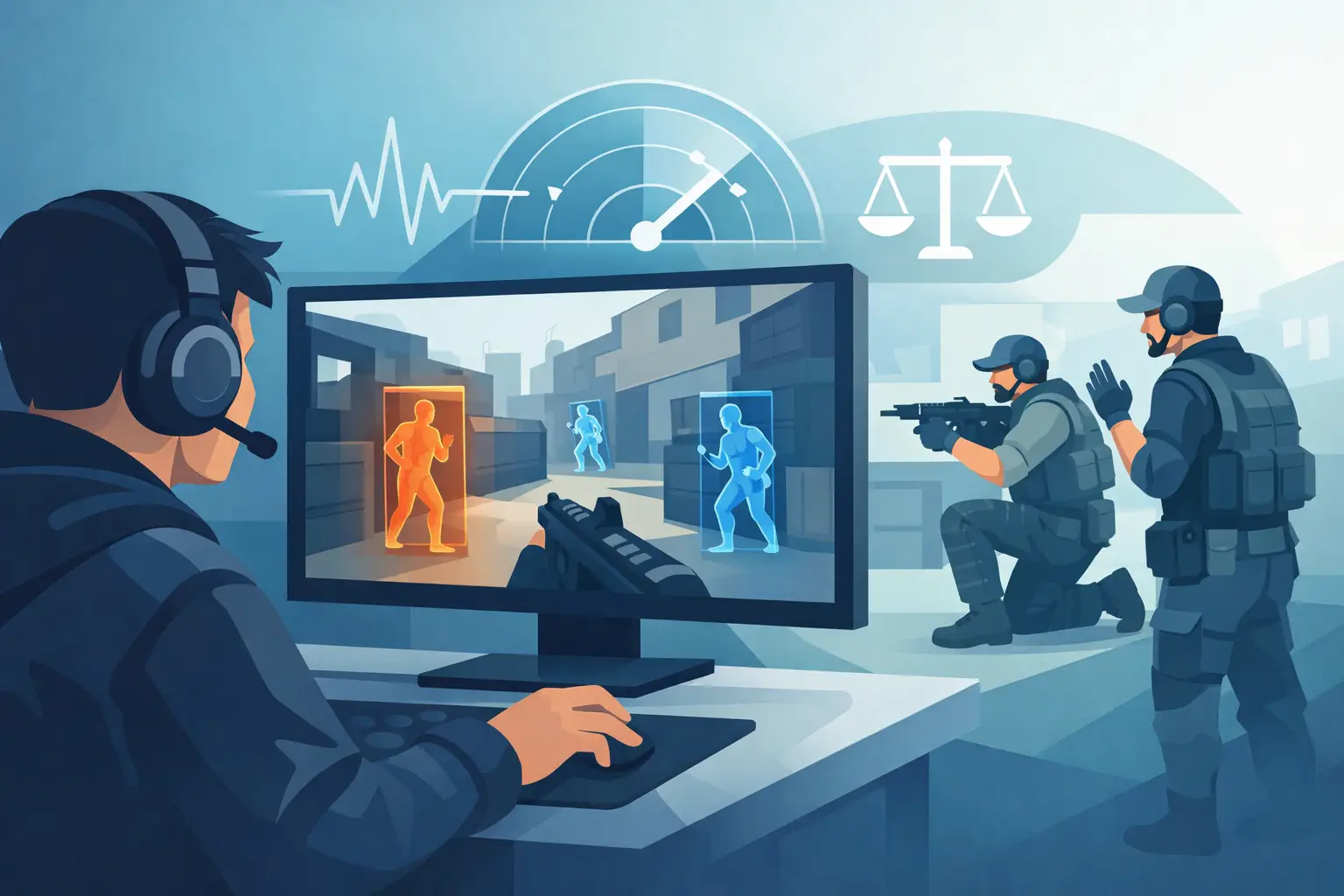
For action and shooter titles, combat and visibility options may be the priority. God mode, ammo, weapon options, movement tools, and ESP-style information controls can sit inside a trainer or menu. The difference is whether you need a handful of reliable functions or a full set of adjustable systems.
Open-world games are where menus usually justify their size. Teleportation, vehicle spawning, player controls, world settings, and customizable interfaces benefit from a menu layout. If the game has a deep sandbox, a small trainer can feel limiting quickly.
Online Use Changes the Decision
Single-player experimentation and online play are not the same situation. Online games may enforce rules, record abnormal behavior, reset progress, remove access, or take action against accounts. No tool removes that possibility, and no feature list should be treated as a guarantee.
The safest decision is to respect the game’s terms and use approved options where they exist. If you are evaluating software for a supported title, check that the product is current for the exact game build and understand which modes it is intended to support. A game patch can change functionality overnight.
Avoid treating a feature as harmless just because it is common. Massive currency changes, aggressive movement settings, disruptive session options, or obvious visual advantages can affect other players and draw attention fast. Control is useful only when you use it with judgment.
What to Check Before You Choose
Do not buy based on a vague promise of “all features.” Read the actual function list. A good product page tells you whether you are getting progression edits, inventory controls, combat utilities, unlocks, teleportation, spawners, ESP, or more advanced menu categories.
Then check maintenance. Game updates break tools. The real value is not a long feature list on launch day but whether the software is actively maintained when patches arrive. DarkOffset focuses on game-specific tools and a custom loader workflow because fast access and current support matter more than unnecessary setup steps.
Finally, match the interface to your experience level. A new user may get better value from a trainer that does ten useful things well. An experienced user who wants live adjustments, hotkeys, and deeper game control may prefer a mod menu. Buy for the session you want to create, not the biggest list of buttons.
The best tool is the one that stays out of your way. If your goal is faster progression, use focused controls. If you want a full sandbox, choose a menu with the depth to match. Keep the setup simple, keep expectations realistic, and let the game type decide.