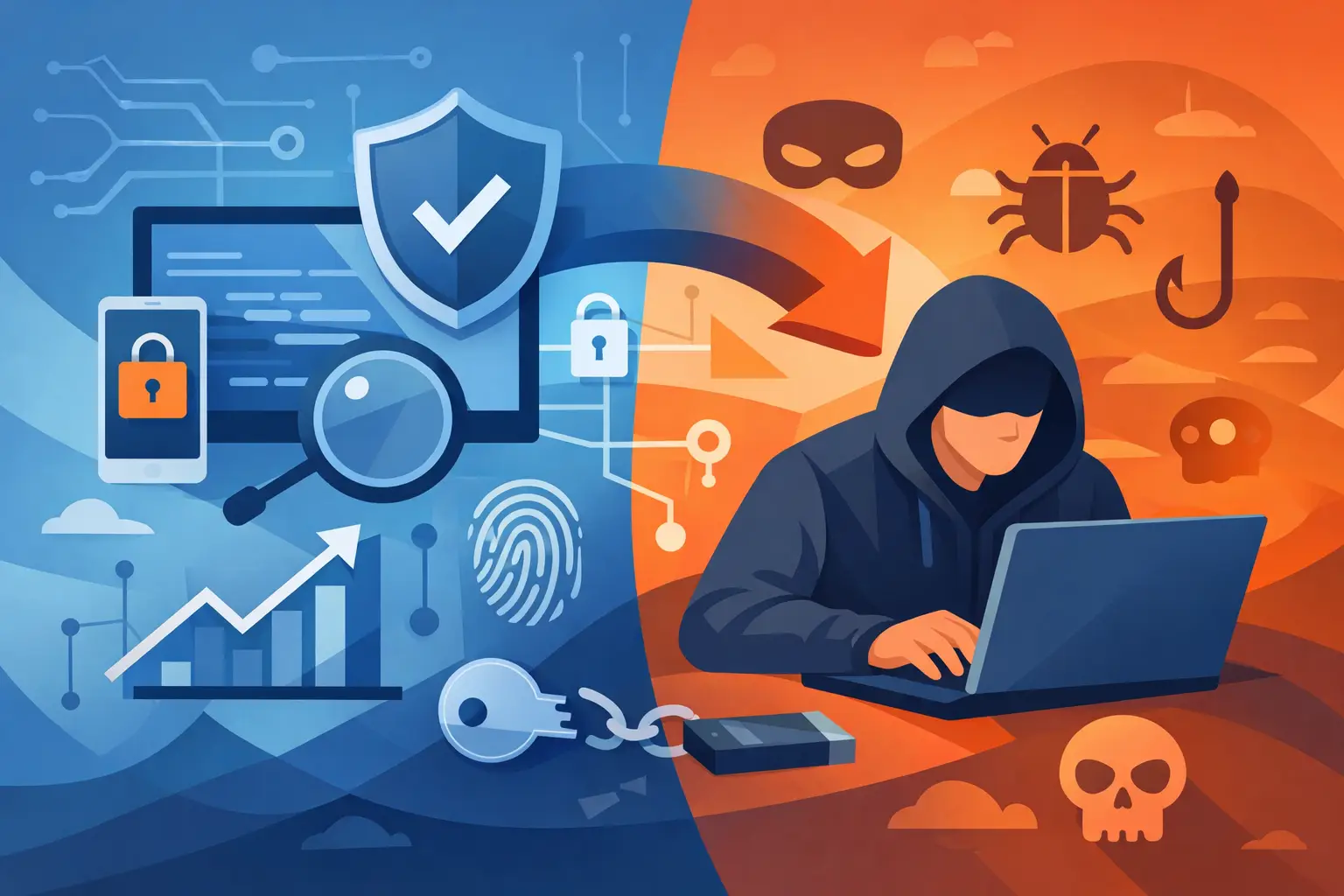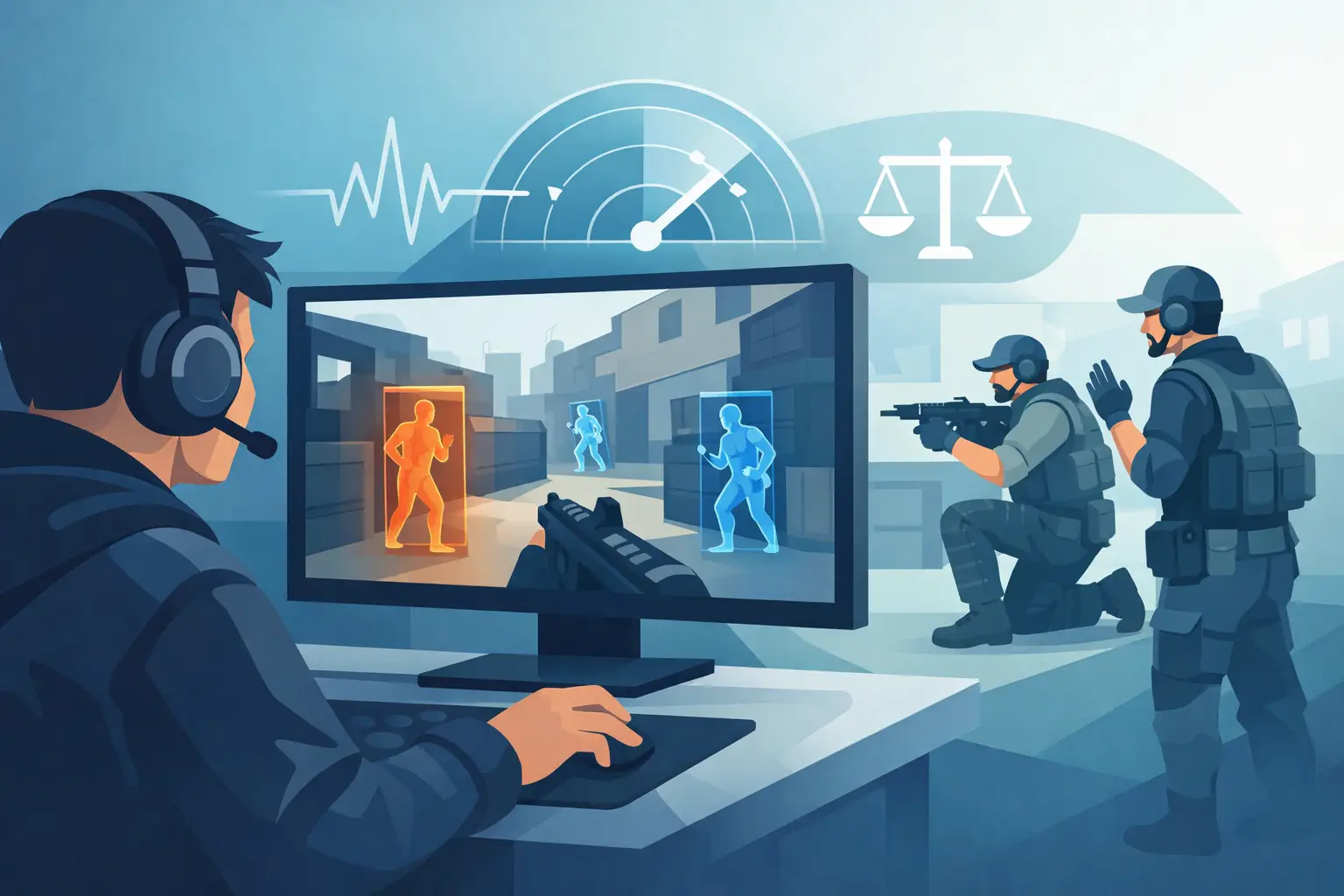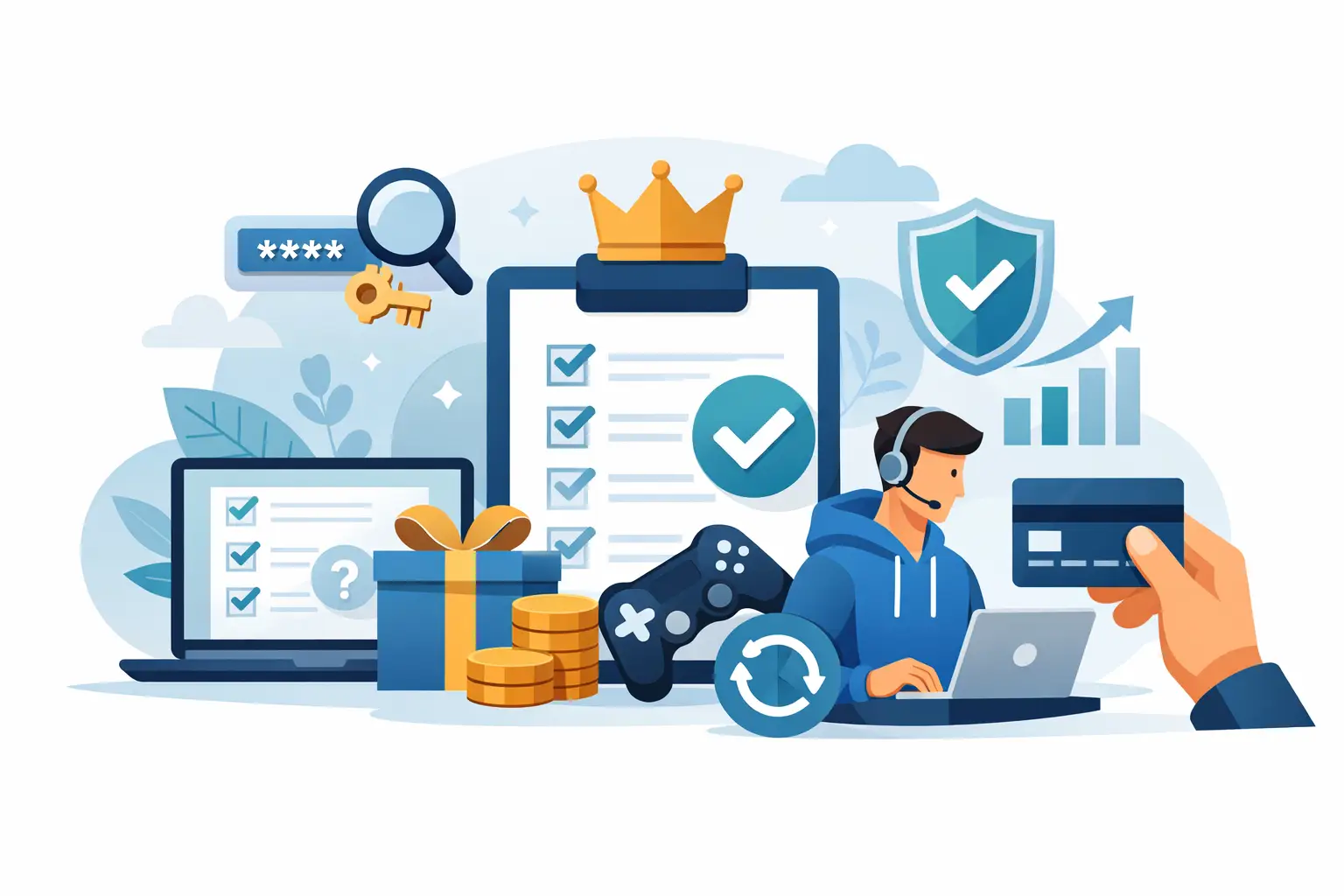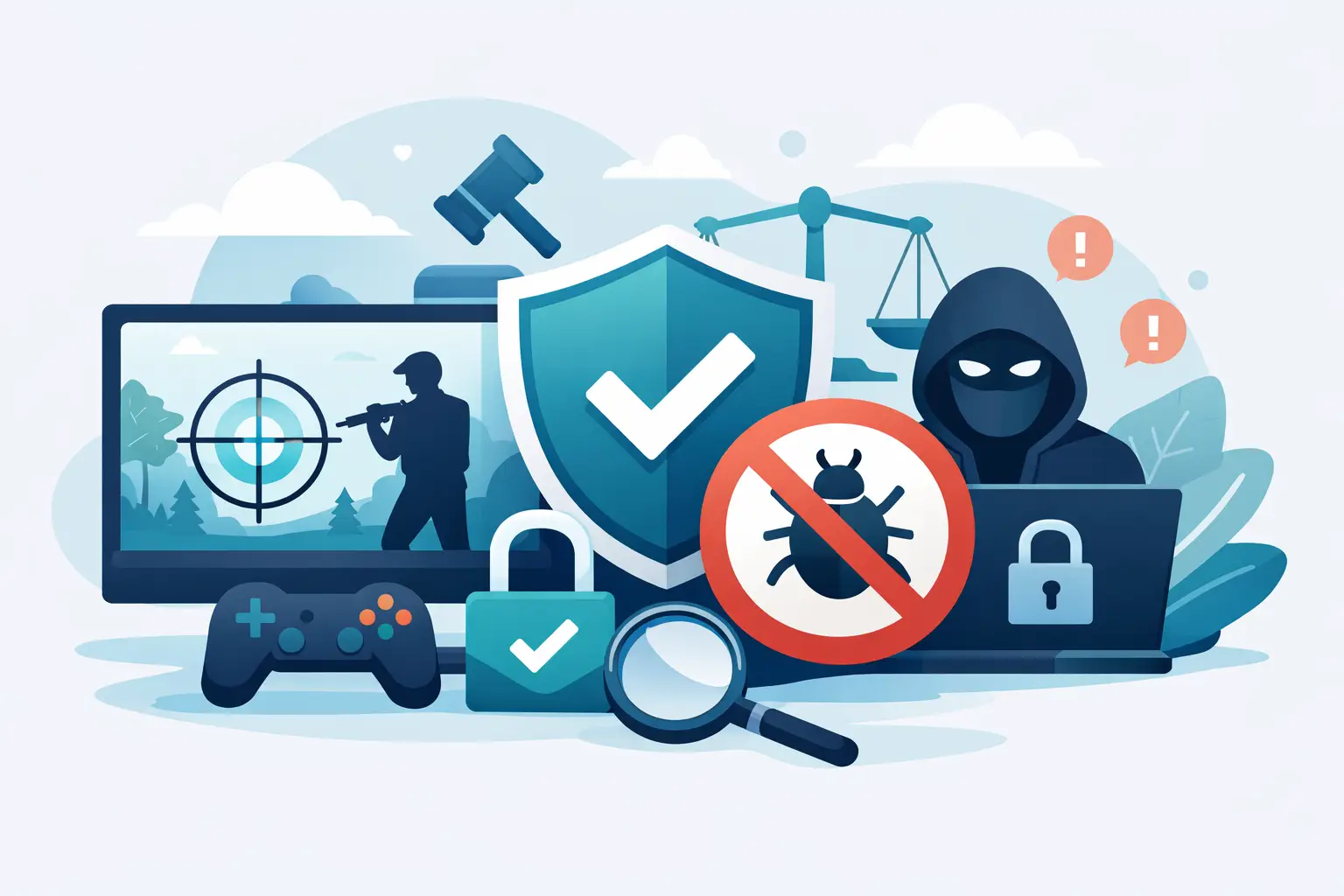
A ban can erase years of progress, paid cosmetics, ranked history, and access to the games you actually enjoy. If you are searching for how to reduce cheat bans, the only reliable answer is not a trick, a bypass, or a temporary workaround. It is keeping your account and PC within the rules the game publisher has set.
Anti-cheat systems are built to identify unauthorized software, manipulated game behavior, and activity that damages fair play. Trying to evade those systems turns a temporary problem into a larger one: a permanent ban, lost purchases, or a penalty that follows your account across connected services.
Understand Why Cheat Bans Happen
Not every ban has the same cause. Some are issued after a confirmed detection of prohibited software. Others follow player reports, exploit abuse, account sharing, abusive multiplayer behavior, or suspicious account activity. A smaller number may be false positives caused by software conflicts or an automated review that needs human attention.
That distinction matters. If a ban resulted from an unauthorized trainer, mod menu, injector, macro, altered game file, or exploit, there is no safe technical fix. Remove the prohibited tools, stop using them, and accept the platform's enforcement process. Repeating the behavior on a new account can lead to broader penalties.
If you believe the ban is incorrect, your goal is different: preserve evidence, identify possible conflicts, and submit a clear appeal through the publisher's official support process.
Remove Unauthorized Software Completely
The fastest way to lower your risk is simple. Do not run unauthorized tools with online games. That includes cheat software, memory editors, injectors, scripts that automate gameplay, modified clients, and tools advertised as undetected or safe for multiplayer.
Closing a program is not always enough. Some software installs background services, drivers, startup tasks, overlays, or supporting files that can remain active after the main application is gone. Uninstall questionable software through your operating system, restart the PC, and review startup applications for anything you do not recognize.
Be careful with downloaded "boosters," mod packs, cracked utilities, and random game optimizers. A tool does not need to call itself a cheat to create a problem. If it changes game memory, game files, network behavior, input behavior, or protected processes, it may violate the game's rules.
For single-player games, mods can be legitimate when the developer permits them. The trade-off is that the same installation can become a risk when you launch multiplayer, connect to online services, or carry modified files into a protected mode. Keep approved mods limited to games and modes where they are explicitly allowed.
Keep the Game Installation Clean
A clean install gives you a reliable baseline. Verify game files through the platform that owns the game, remove unofficial replacements, and make sure you are launching the standard version of the client. If you previously experimented with mods or unofficial patches, a full reinstall may be the cleaner choice.
Do not edit configuration files to force restricted features, alter protected assets, or bypass game checks. Even if a change appears harmless, enforcement systems may interpret altered files as tampering. The short-term convenience is not worth losing an account.
Use official launchers, official updates, and official servers whenever possible. Third-party launchers and unofficial servers may have different rules, but those rules do not automatically transfer to the game's standard online environment.
Secure the Account Behind the Username
Some bans are tied to activity the original account owner did not perform. A shared login, a stolen account, or a compromised email can put your profile at risk before you even open the game.
Use a unique password for your gaming account and your email account. Turn on two-factor authentication where it is available. Do not give account access to friends, boosting services, recovery sellers, or anyone promising ranked progress. If another person plays on your account and breaks the rules, the enforcement action usually lands on your account.
Watch for phishing messages that imitate game support, tournament organizers, or item-trading sites. Official support will not need your password, authentication code, or recovery credentials in a direct message. When a message creates urgency, stop and verify it through the official client or support portal.
Avoid Behavior That Creates Reports
Anti-cheat detection is not the only path to enforcement. Repeated reports can trigger reviews, especially when combined with unusual match behavior. Griefing, harassment, intentional team disruption, exploiting map bugs, AFK farming, and account boosting can all lead to restrictions even without traditional cheat detection.
Play clean in ranked and public matches. Do not abuse glitches after discovering them. Report the issue, leave the exploit alone, and wait for a patch. A bug may feel like free progress, but publishers often treat deliberate exploitation as a rules violation.
Be especially cautious during seasonal launches, major patches, and competitive events. Enforcement teams frequently review abnormal progression, impossible statistics, and suspicious match patterns more closely during these periods.
How to Reduce Cheat Bans From False Positives
False positives are uncommon, but they can happen. The best defense is making your setup easy to verify. Keep your operating system current, use legitimate software, and avoid stacking unnecessary overlays, automation tools, or system-level utilities while gaming.
If a game crashes, flags an anti-cheat error, or suddenly blocks access, do not start deleting logs or making random system changes. Take screenshots of the error, note the date and time, and record what was running on the PC. This gives support something useful to investigate.
Then submit one factual appeal. Include your account name, platform, game, ban message, date, and a short explanation of why you believe the action was incorrect. Mention relevant software conflicts only if they are real. Do not flood support with multiple tickets, threats, or invented explanations. Clear evidence gets farther than noise.
Do Not Trust “Ban Protection” Claims
Any product or person claiming guaranteed ban protection is selling certainty they cannot provide. Anti-cheat systems change. Game rules change. Detection methods change. There is no permanent shield for prohibited activity, and no legitimate service can promise that an account will remain untouched after breaking a game's terms.
The same applies to accounts marketed as “safe,” “aged,” or “replacement ready.” Buying accounts and using alternate accounts to continue after enforcement can violate platform rules and expose you to scams. You may lose the account, the payment, and any chance of resolving the original issue.
Read the Rules for Each Game
Every title has different boundaries. Some games allow cosmetic mods in offline play but prohibit them online. Some permit accessibility tools while banning automation. Others prohibit all third-party software that interacts with the game client.
Read the current code of conduct and terms for the specific game mode you play. Do not rely on old forum posts, Discord rumors, or videos claiming that a tool is still allowed. Publisher policies and enforcement standards can change after a patch without warning.
Your account is worth more than a shortcut. Keep the installation clean, protect your login, avoid unauthorized tools, and use official support when something appears wrong. That is the only approach that holds up after the next update.