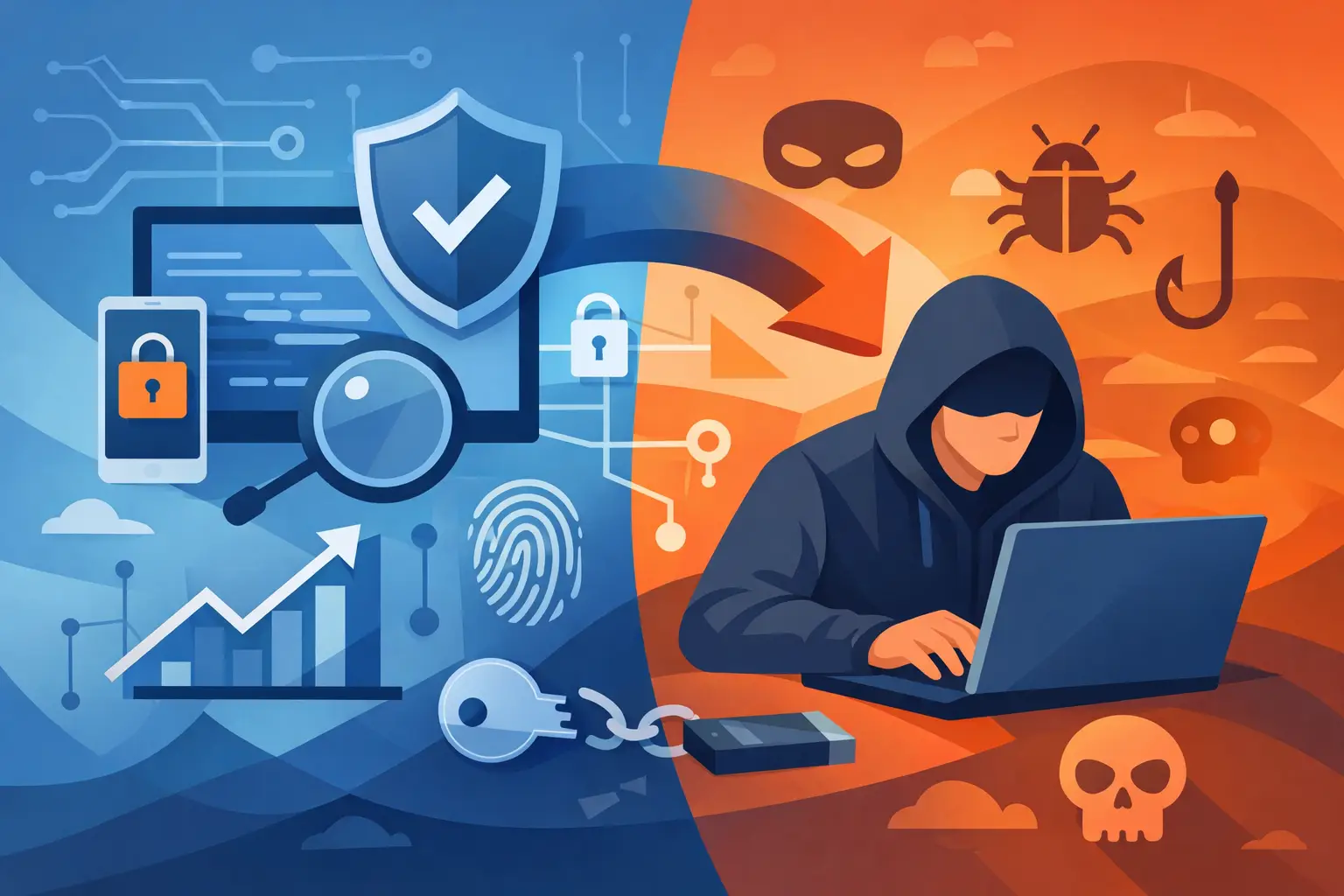
A menu that works flawlessly in a local save can fail the second a game connects to a server. That is the first answer to which cheats work online: it depends on where the game keeps authority. If progression, inventory, movement, or combat is verified server-side, a local trainer cannot simply force the result.
Players often treat “online” as one category. It is not. A private co-op lobby, a peer-hosted session, a dedicated server, and ranked matchmaking all operate under different rules. The features that are practical in one can be useless or high-risk in another.
Which Cheats Work Online in Different Game Types?
The short version: client-side visual tools and quality-of-life changes may function in some online environments, while server-owned values are far harder to alter reliably. Protected competitive modes are the least forgiving place to expect anything beyond the game’s intended rules.
A legitimate tool’s usefulness comes down to what the game allows the client to control. The harder a feature changes shared gameplay for everyone else, the more likely the server or anti-cheat system will reject it, correct it, or flag it.
Private sessions and peer-hosted co-op
Private lobbies are where many gameplay modifiers make the most sense. In survival, sandbox, and co-op games, the host may control world settings, resources, enemy behavior, time of day, or permitted mods. This is the environment where trainers and mod menus are most likely to provide a clean experience - especially when every player in the session agrees to the setup.
For games in the survival space, players usually look for practical controls: resources, crafting materials, stamina, player movement, teleport options, or world utilities. These features are valuable because they remove repetitive grind without turning public matchmaking into a mess.
But even private does not automatically mean unrestricted. Some games use dedicated servers for every session, including invite-only lobbies. If the server owns the inventory or progression data, a local value change may only display temporarily before the game syncs the real number back.
Local saves with optional online connectivity
Some PC games offer a single-player mode while still requiring a launcher, cloud sync, or an online account. That does not make the game a true online multiplayer environment. In these titles, trainers are generally most effective because the save state and gameplay logic remain on the player’s machine.
God mode, money editing, XP changes, unlocks, item spawning, noclip, and movement tools are common examples of features that can be useful when the game is locally controlled. The trade-off is save integrity. Pushing values beyond what the game expects can break missions, soft-lock progression, corrupt a save, or make future updates unstable.
Back up anything you care about. A fast level boost is not worth losing a 60-hour save file.
Public multiplayer and ranked modes
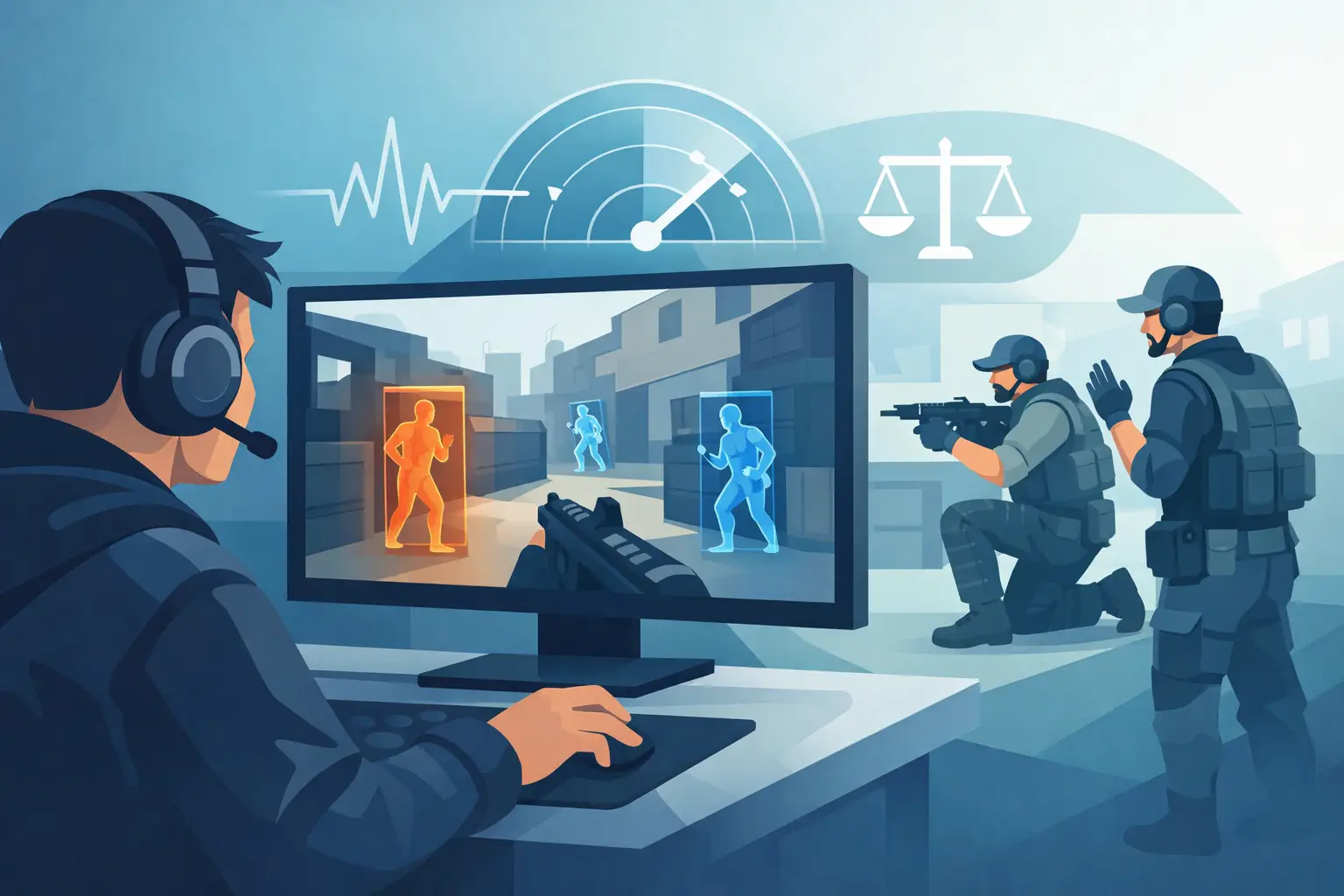
Public multiplayer is different. Competitive games are built around server validation, anti-cheat monitoring, reports, replay review, and account enforcement. There is no credible universal answer that says a cheat will work safely in every online match, across every patch, forever.
That is why exaggerated claims should be treated as noise. A tool can be updated today and become incompatible after a game patch tomorrow. A feature can appear to work during testing and then fail under a different server, mode, region, or detection update. No provider can honestly promise permanent protection from bans or enforcement in a protected competitive service.
If you care about an account, ranked progress, cosmetics, or a long-term game library, do not treat public multiplayer as a test environment. The risk is not theoretical. Enforcement can mean resets, suspension, or a permanent loss of access.
What Actually Makes a Tool Reliable?
Reliability is not just a long feature list. A menu with 80 options is worthless if half of them crash the game, desync the lobby, or stop working after the first hotfix. The better standard is simple: does the tool match the specific game version and the specific mode you plan to use?
For any game-specific trainer or mod menu, check four things before you run it:
- The game version it supports
- Whether it is intended for single-player, private play, or a specific server type
- Which features are client-side versus server-dependent
- Whether recent patches changed the game’s anti-cheat or networking
Those details matter more than generic promises. A tool built for a racing game will prioritize progression, credits, vehicle unlocks, and garage management. A survival-game trainer will center on resources, crafting, health, stamina, building, and exploration. Combat-focused titles may emphasize aim support, enemy information, weapon handling, or movement utilities. Different genres have different systems, and reliable software is built around those systems rather than copied from a generic menu.
Server Authority Is the Real Barrier
Players sometimes see a value change on screen and assume it worked. Then the server syncs, the number snaps back, or the session disconnects. That is server authority doing its job.
If a game’s servers control currency, XP, item ownership, matchmaking rank, or damage validation, the client cannot reliably dictate those values. At best, an unsupported change can be visual only. At worst, it creates a mismatch that leads to a kick, correction, or account action.
This is why money and unlock features need more caution than cosmetic overlays or locally applied movement changes. Shared economies are closely monitored because they affect other players, progression systems, and the publisher’s revenue model. The same applies to anything that manipulates public lobbies, disrupts other players, or bypasses competitive rules.
A tool that respects the limits of the game will always be more useful than one that sells impossible outcomes.
How to Choose the Right Option
Start with the game mode, not the feature name. Ask whether you are playing alone, hosting friends, joining a private co-op session, or entering public matchmaking. That answer determines what is realistic.
For single-player and private use, prioritize a clean interface, clear feature labels, current version support, and a loader that reduces setup mistakes. Less manual configuration means less time troubleshooting and more time playing. DarkOffset focuses on game-specific tools because generic software tends to create confusion, compatibility issues, and features that do not belong in the game at all.
For online-connected games, read feature descriptions literally. “Works online” can mean a tool runs while connected. It does not necessarily mean every feature changes server-side values or is appropriate for every mode. A provider that distinguishes between local, host, private, and public behavior is giving you information you can actually use.
Avoid random files, recycled menus, and tools with no visible maintenance history. Free downloads commonly carry outdated offsets, broken features, intrusive installers, or worse. Cheap access becomes expensive when it costs you a save, an account, or system security.
Use Power Where It Makes Sense
The best answer to which cheats work online is not a single product or a blanket promise. It is a compatibility question. Private co-op utilities, host-controlled modifiers, and game-specific quality-of-life features can be useful when the game mode supports them. Server-validated public systems are a different category with real limits and real consequences.
Choose tools built for the title and mode you actually play. Keep expectations grounded, protect the accounts you value, and use private sessions when you want control without turning someone else’s match into your experiment.